Guardians and learner links
Use People → Parents in the learner's campus. A parent account and a guardian link are separate records. Creating an account does not grant access to a learner until the link exists.
Before you start
Use create parent to add a parent account, read parent to read it, and update parent to edit links. Prepare the learner's enrollment and active section in the working cycle. Confirm the guardian's identity and authority using the campus's approved process. The application does not verify legal guardianship from a shared surname or email domain.
Add a guardian account
- On People → Parents, select Add parent. The Create parent page opens.
- Enter the guardian's own Full name and Email address.
- Complete their contact details.
- Select Add parent.
- Read the message. A new guardian gets {name} was added. We emailed them a link to set a password. A person who already has an account gets {name} was added and can sign in with their existing password.
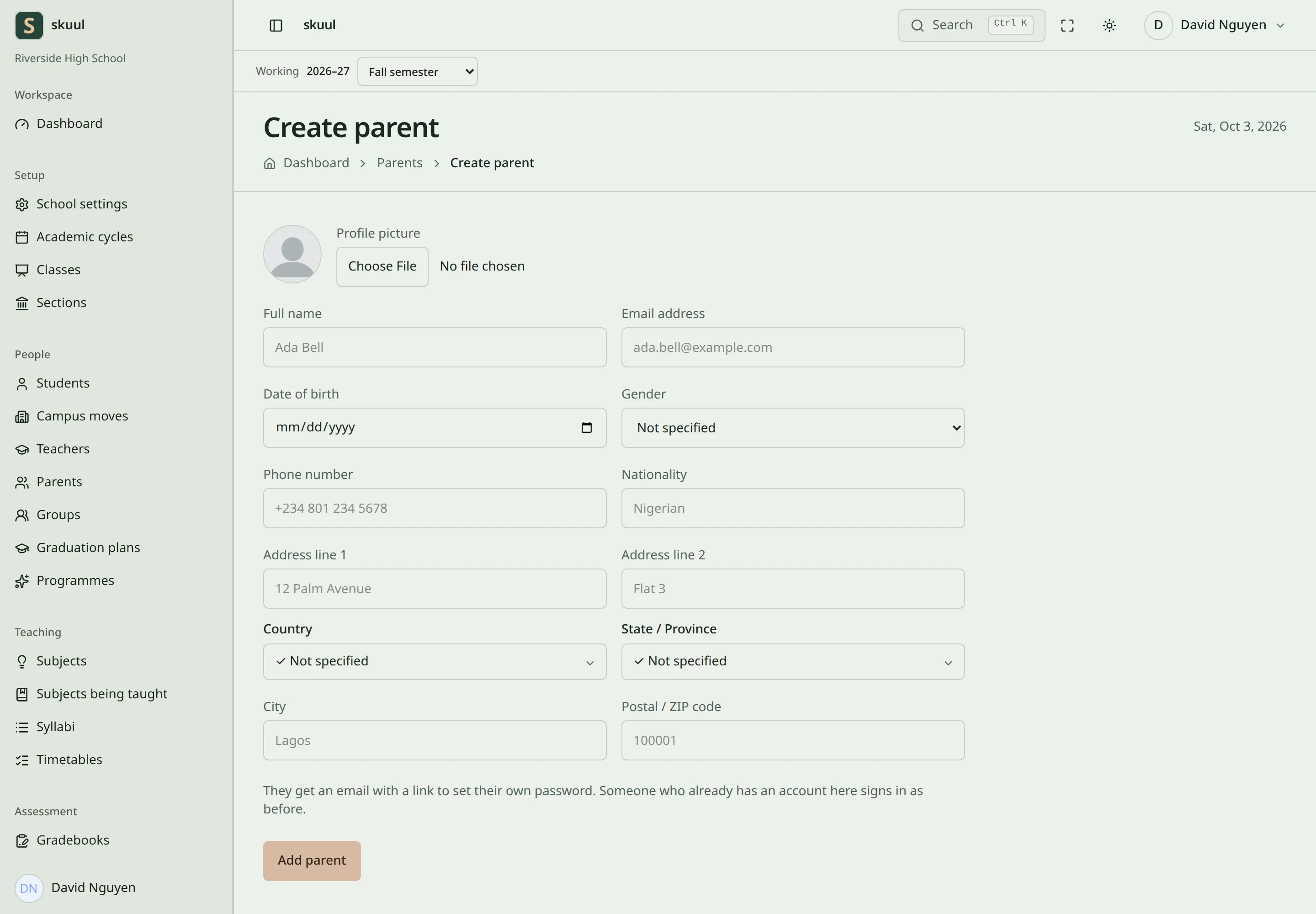
The parent form. A new guardian gets an email link to set a password.
Use the guardian's existing email to reuse their account. A staff member can also be a guardian. An email that belongs to a person outside your organization is refused. Do not enter the learner's email as the guardian's identity. The form has no relationship field, such as mother or uncle. Record that through your campus's own process. See account invitations if the guardian needs another sign-in link.
Link a learner
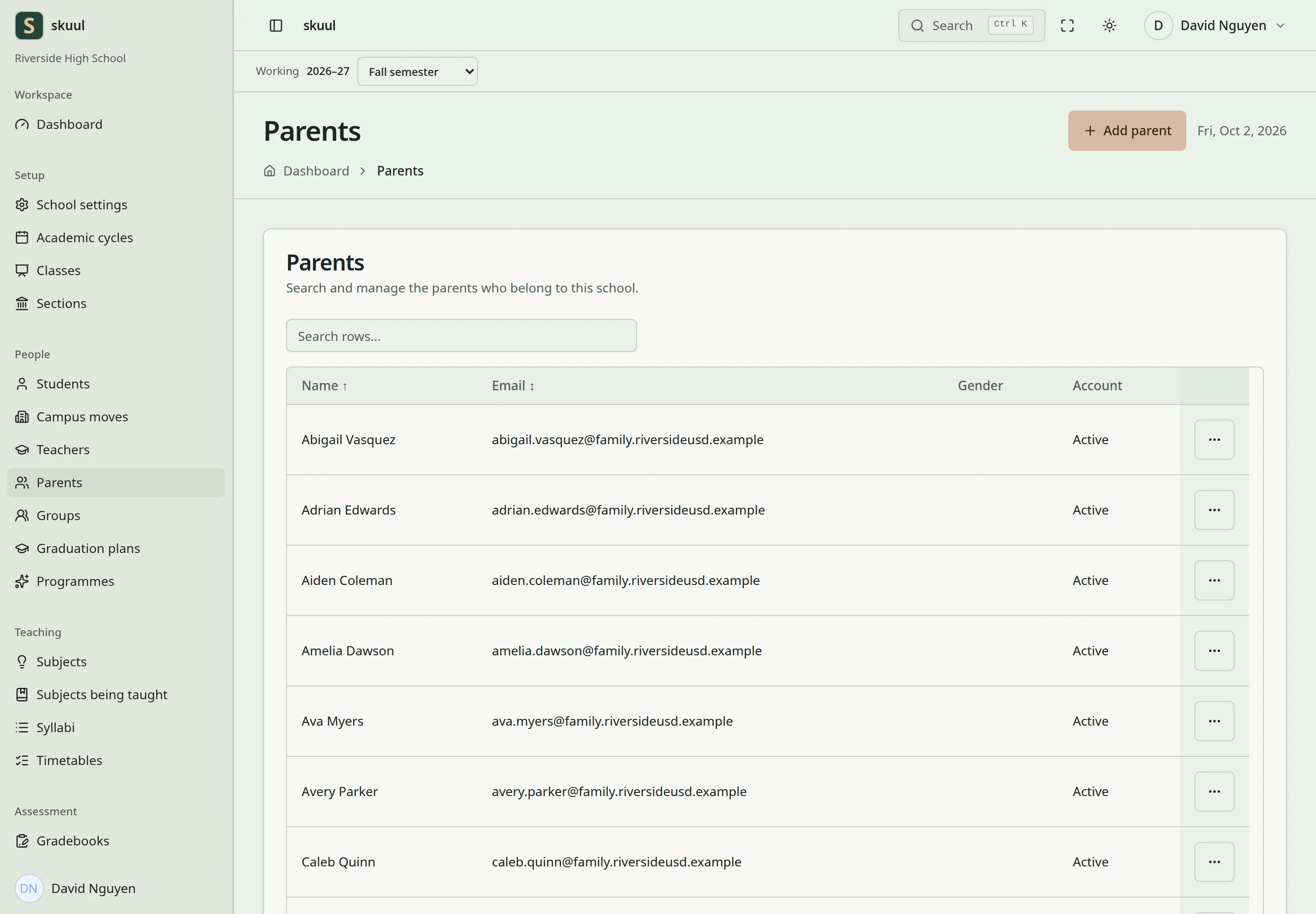
The parent list. Open a parent to see the learners linked to them.
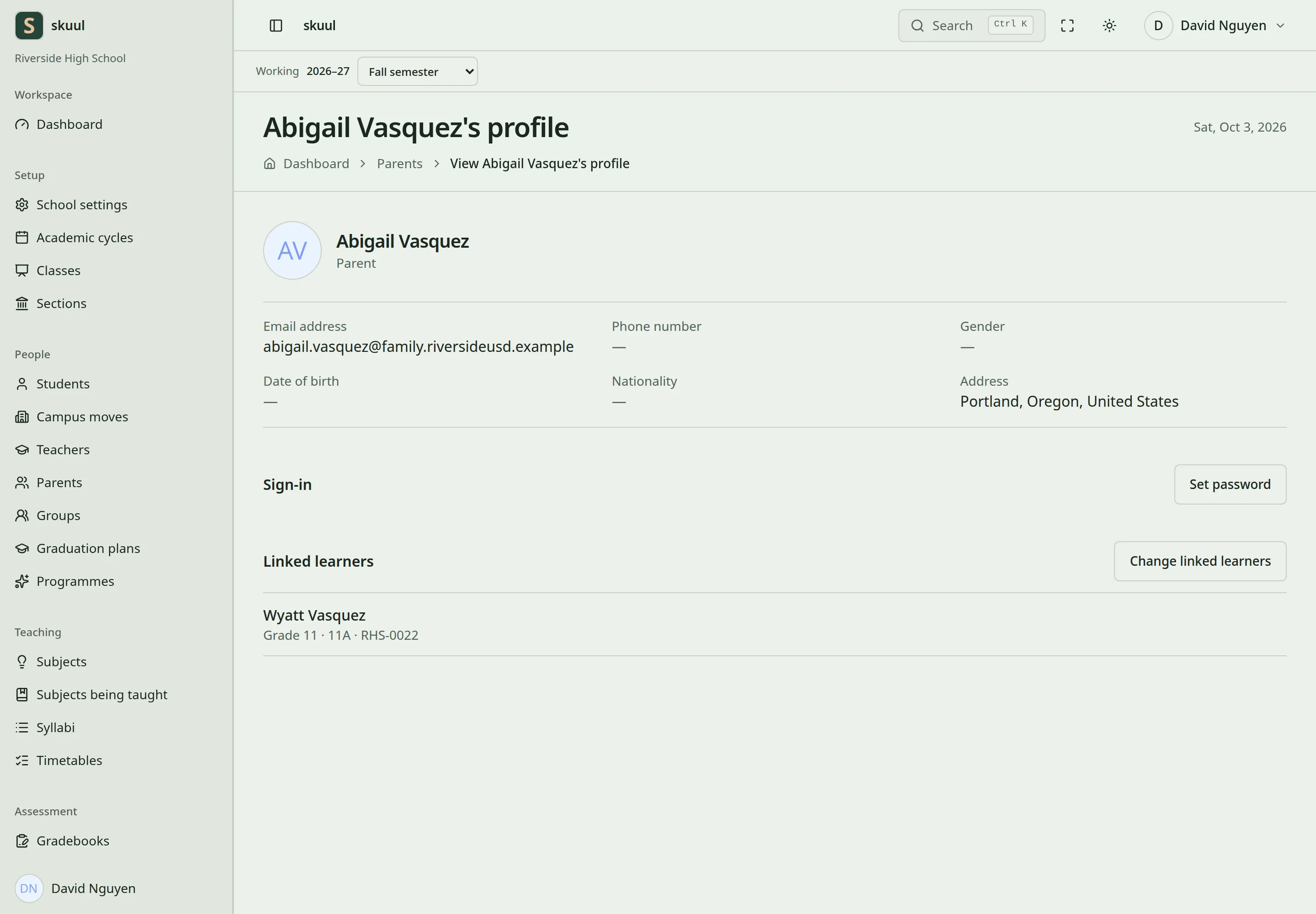
The Linked learners section of the parent's profile lists learners at this campus.
- Open the parent's profile and select Change linked learners. The page is headed Assign students to and the parent's name.
- Select the learner's Section.
- Select Learner and check the admission number.
- Select Link learner.
- Read {learner} is now linked to {parent}. and check that the learner appears under Linked learners.
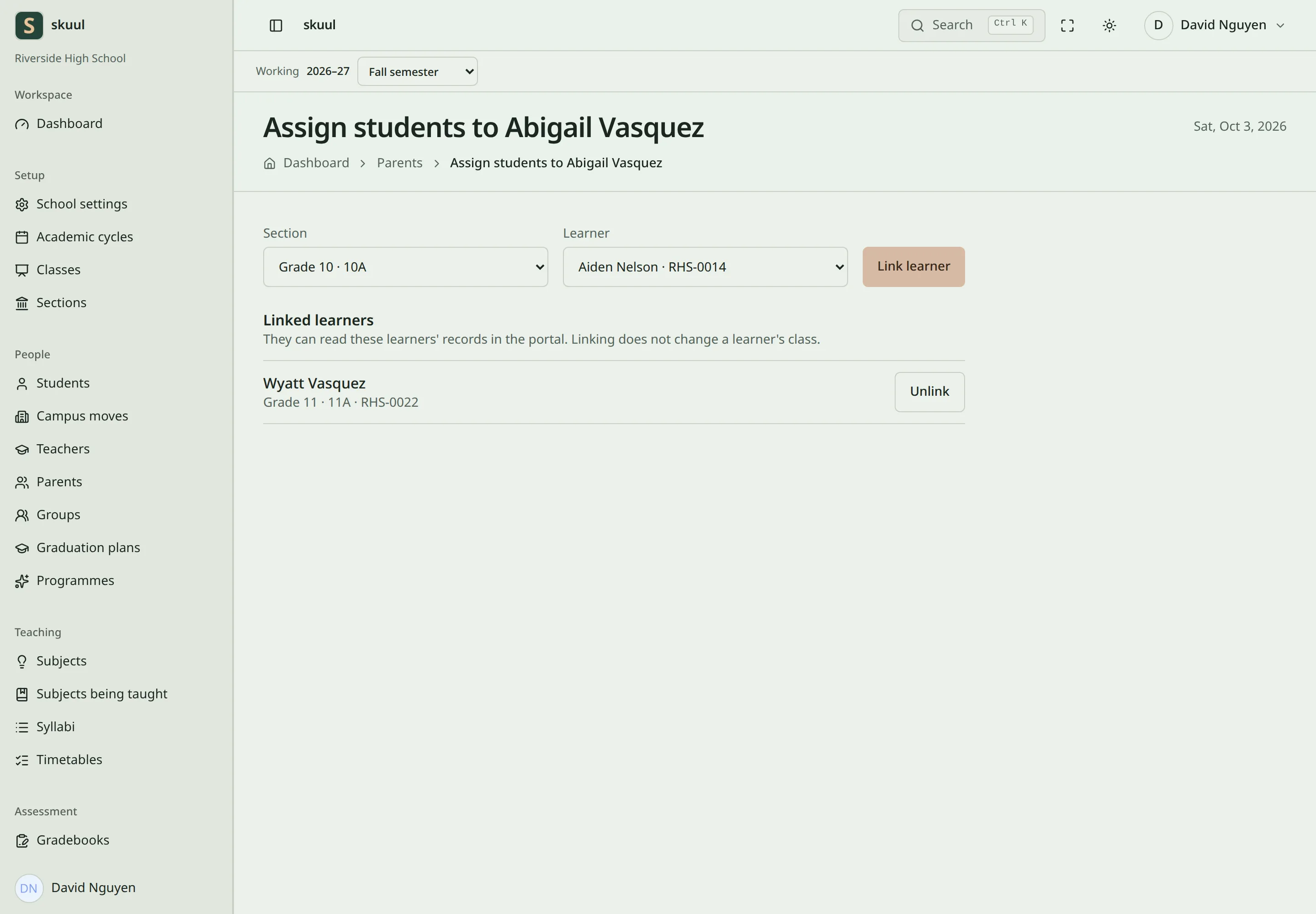
The assignment page. Each linked learner has its own Unlink button. 6. Sign in as the guardian and verify the intended learner in the family portal.
The section list contains active sections from the working cycle. The Learner list leaves out learners already linked to this parent. When every learner in the section is linked, it reads No learner left to link in this section. Linking does not change a learner's class. The linked list in this staff view shows learners belonging to the working campus. A guardian's links to learners elsewhere do not grant this operator access to those campuses. You can link only a learner of this campus. Another campus's learner is refused with This learner does not attend this school. A link stays when the learner moves campus, graduates, or is withdrawn. The guardian keeps reading those records. Only an archived enrollment leaves the portal. Repeat the operation for each sibling. Keep one guardian account for the same person.
Correct or remove a link
- Find the learner under Linked learners.
- Select Unlink. The confirmation reads, for example, Unlink Ada Obi? Tunde Obi will no longer see their records.
- Confirm removal only after checking the guardian and learner.
- Verify that the guardian no longer reads that learner's records.
- Add the correct link if the original selection was wrong.
Unlinking also withdraws that guardian's open portal requests for the learner, at every campus. The learner returns to the Learner list. It retains the person accounts and the learner's school records. Creating another guardian account is not required to correct a link.
| Problem | Action |
|---|---|
| Section is absent | Select the intended cycle and activate its section. |
| Learner is absent | Check the learner's placement and working campus. |
| Link controls are absent | Check update parent for this campus and parent record. |
| Guardian signs in but sees no learner | Check the link, enrollment eligibility, Portal feature, and relevant portal area. |
| Guardian sees an unintended learner | Unlink immediately and review the affected request history. |
See family portal access and family requests.